

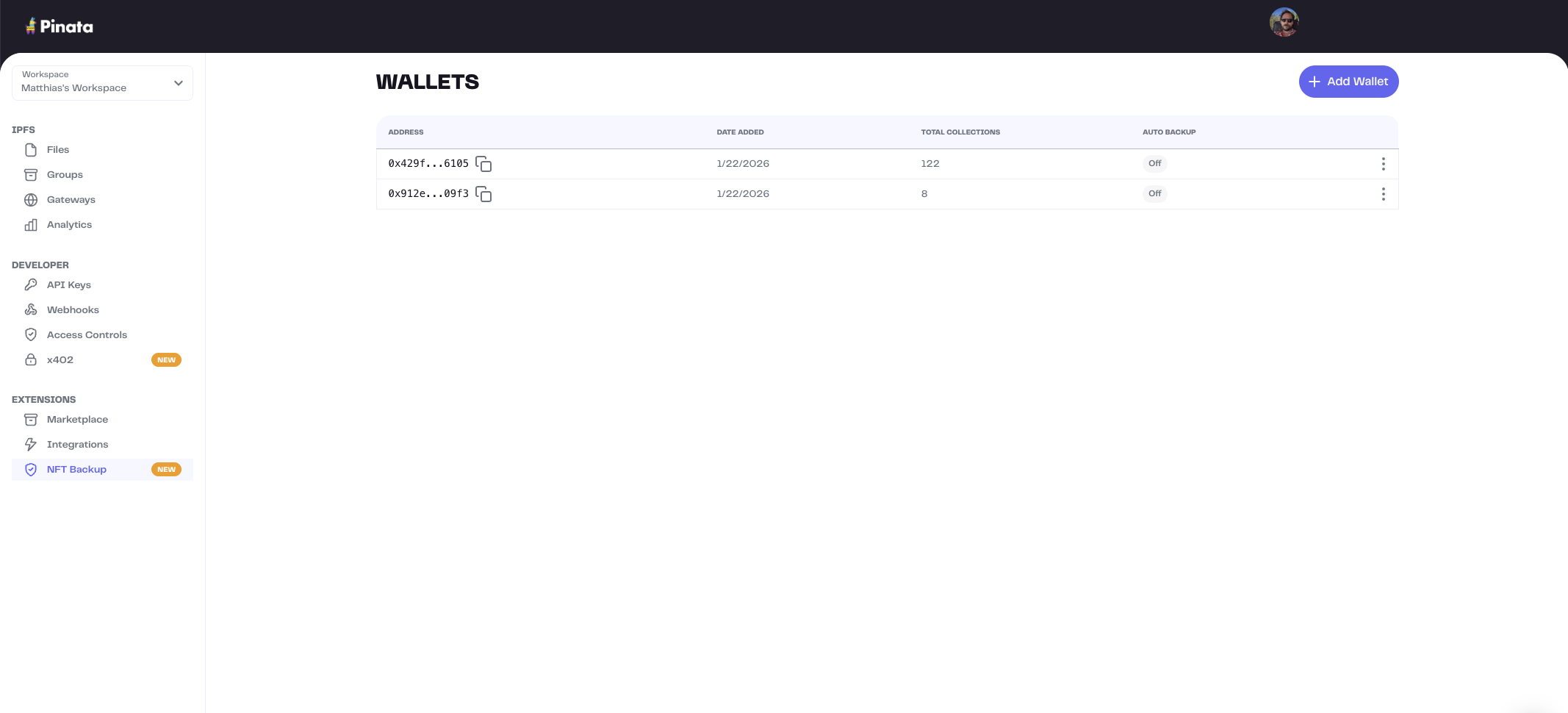
Adding a Wallet
- Go to NFT Backup
- Click Add Wallet
- Enter your wallet address
- Click Register
Syncing a Wallet
After adding a wallet, sync it to fetch your NFT collections:- Select a wallet
- Click Sync
Managing Wallets
From the wallets page you can:- View sync status and CID counts
- Enable auto-backup
Related
- Collections - View synced collections
- Sync - Sync CIDs