

Pinata provider) and through the Inference endpoint directly. Token usage draws the balance down; when it runs out, those requests fail until you add more.
How credits are consumed
- Usage is metered per token across prompt and completion, at each model’s published rates — see Models for current pricing.
- When you run out of credits, Pinata-hosted requests return
402until you top up. Requests against your own provider keys are unaffected.
Check your balance
Response
available is what you can spend right now — total minus loaned (credits held against in-flight requests). Values are in credits.
Top up
Buy credits from the Billing dashboard in the Agents app. Purchases are charged through Stripe against the payment method on file, and your balance updates as soon as the payment clears.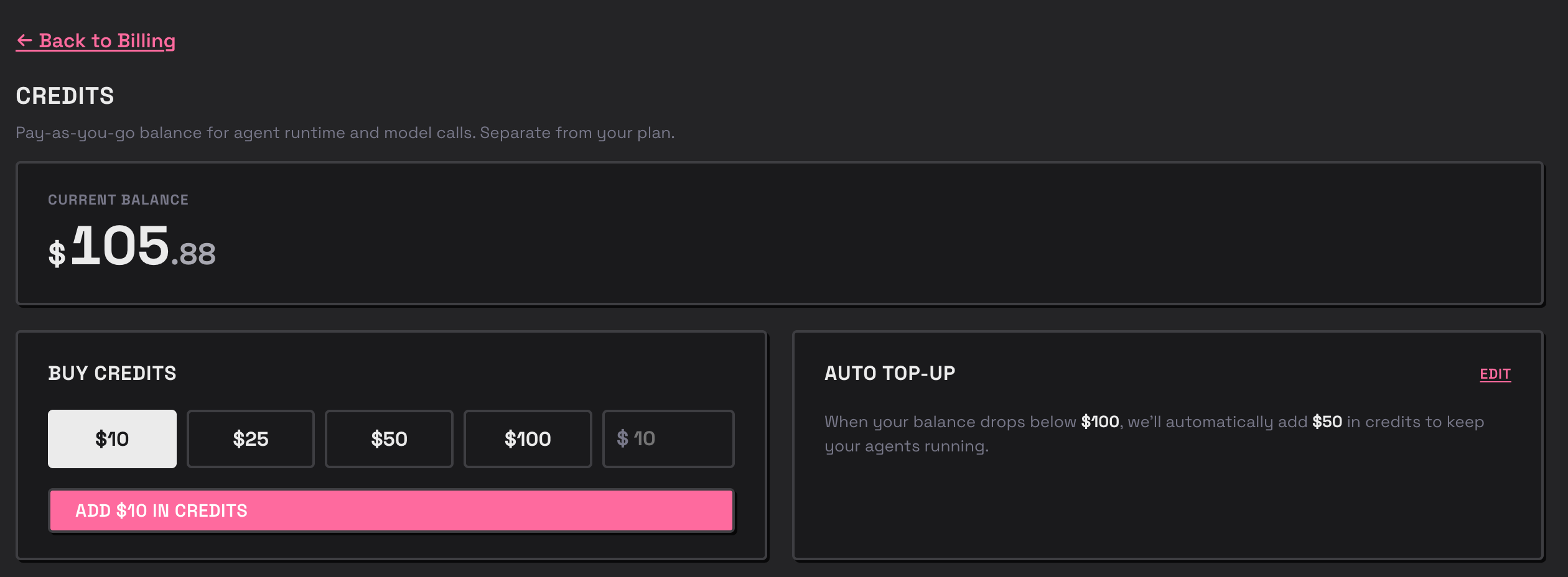
Auto top-up
Auto top-up keeps the balance from running dry by automatically purchasing more credits when it drops below a threshold — useful for production agents and Inference traffic you don’t want interrupted. You can set it up in the Billing dashboard of the Agents app, or via the API below.
Set both to
null to disable auto top-up.
Configure auto top-up
Response
GET /v0/credits/topup/config:
Response
Related
Inference
The Pinata LLM endpoint credits pay for
Agent Models
Pinata-hosted vs. bring-your-own-key