

Templates are currently in beta.
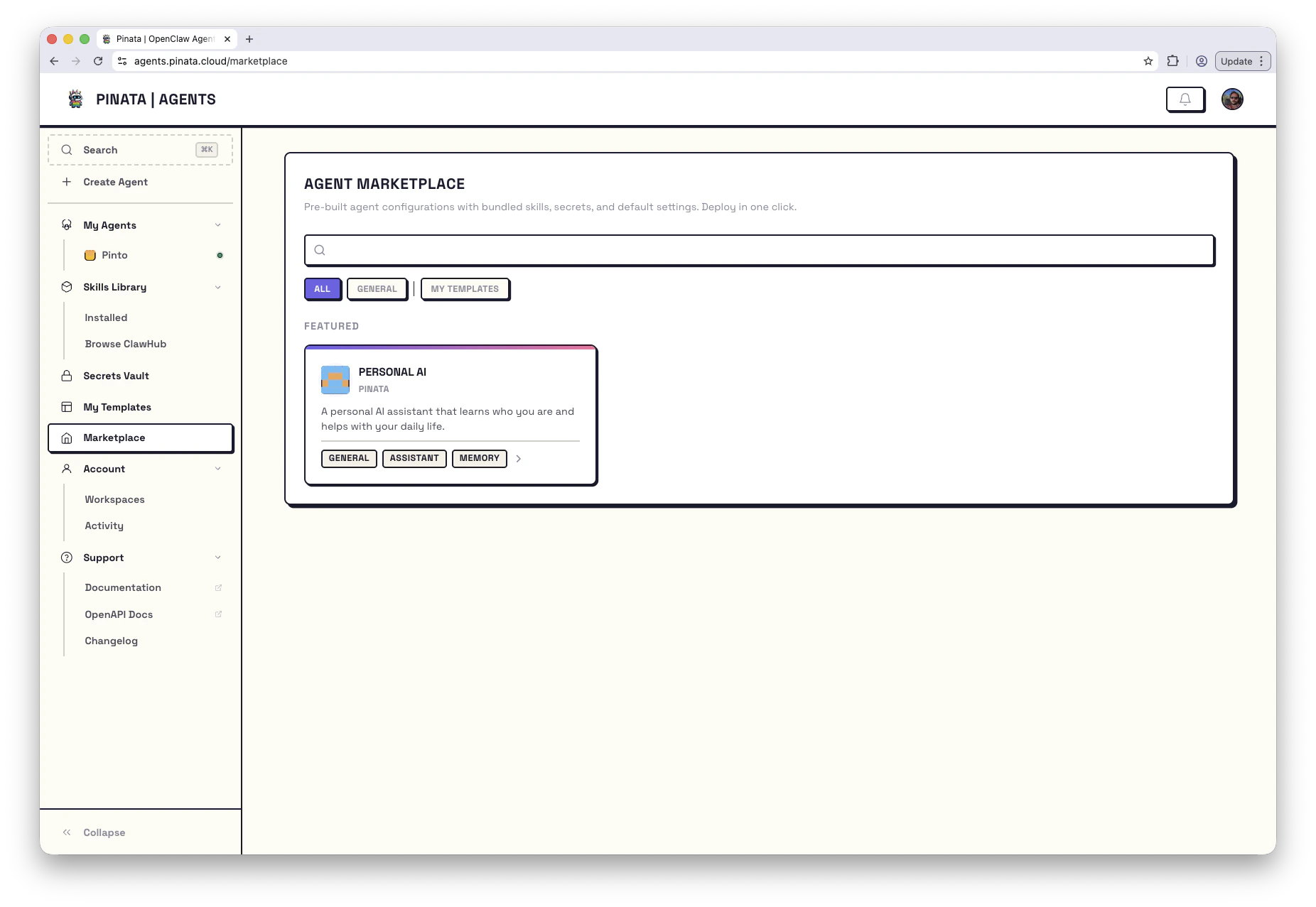
Where to look
Two places, depending on what you’re after:- Marketplace — every published template, from Pinata and from other builders. Filter by category, engine, or tags. Featured templates float to the top. Some are paid; those use x402 micropayments and you complete the purchase in flow.
- My Templates — templates you’ve created, submitted, or imported. The New Template card at the top-left lets you import one from a public GitHub or GitLab repo.
Deploying
Once you’ve found one you like:- Click Deploy This Agent
- Name your agent
- Provide whatever secrets the template asks for (usually just your LLM key)
- Deploy
A note on secrets
Every template needs at least an LLM provider key (ANTHROPIC_API_KEY, OPENAI_API_KEY, etc.). Many need more — a Telegram template needs a bot token, a trading template might need exchange credentials.
The template card spells out exactly what it needs. You can add the secrets ahead of time in the Secrets Vault, or wait — the deploy flow prompts you for anything missing.
Using the CLI
Create Your Own
Built something useful? Package it as a template and share it with others - or just use it to quickly spin up copies of your own agents.Creating Templates
Walk through packaging your agent as a reusable template
Manifest reference
Full reference for every field in
manifest.jsonReference Template
Clone this starter repo - it includes working examples of routes, tasks, lifecycle scripts, and secrets.